

Download Mobile Security Antivirus – mobile security, antivirus, malware protection, identity theft prevention, ransomware protection, parental controls, Wi-Fi security, remote device management, app optimizer, performance booster
Overview
Mobile Security Antivirus is a dedicated security application developed by Trend Micro, designed to safeguard mobile devices across both Android and iOS platforms. The software addresses growing threats in the mobile ecosystem, including malware-infected applications, ransomware attacks, identity theft attempts, and malicious websites. It is tailored for users who prioritize privacy and device integrity while navigating digital environments such as social media, messaging apps, and public Wi-Fi networks.
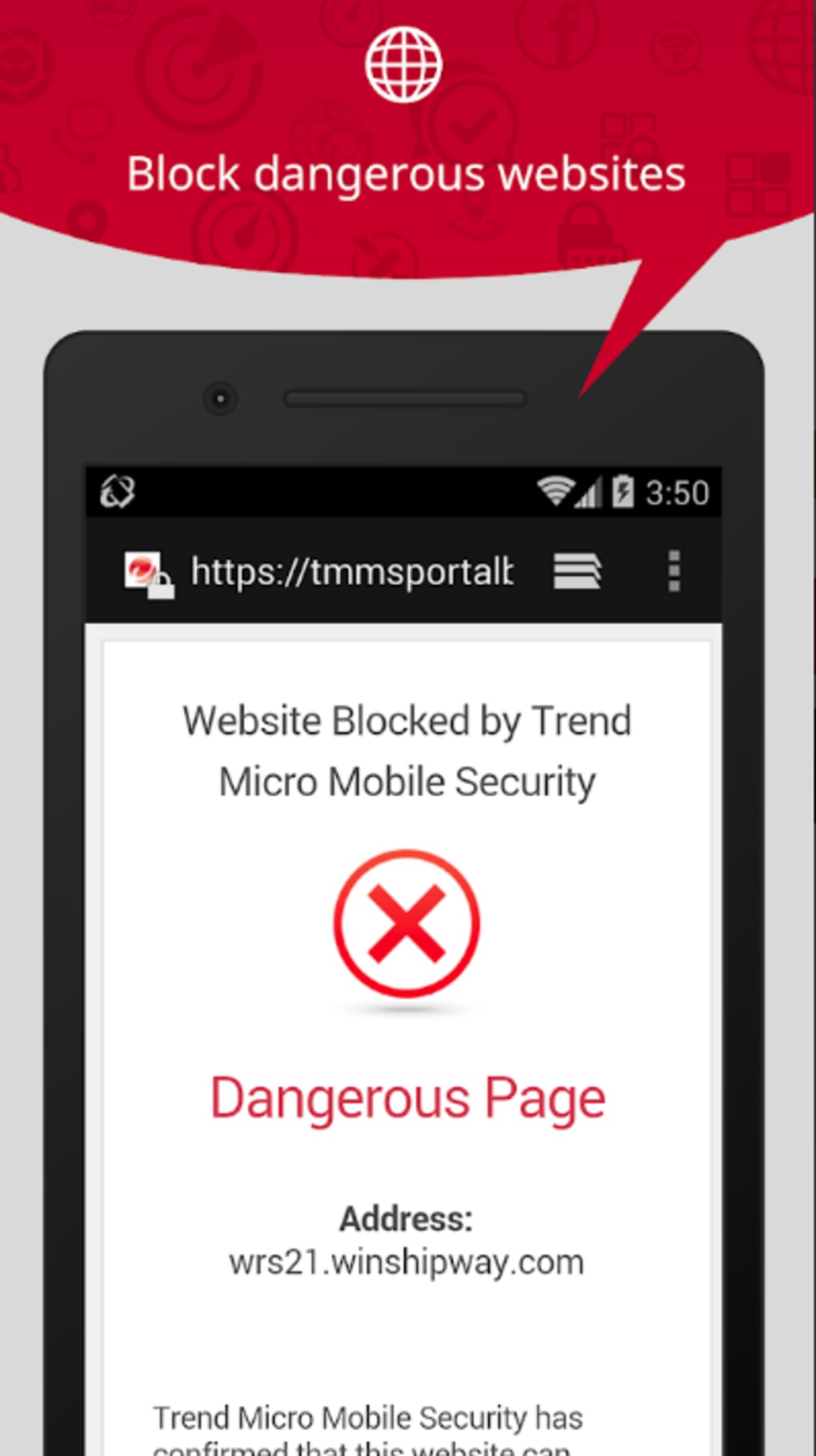
By leveraging advanced AI technology, the application actively monitors links shared via text messages and social platforms, identifying and blocking potential threats in real time. This proactive approach helps prevent users from inadvertently accessing harmful content. The tool also supports parental controls, enabling guardians to restrict access to inappropriate apps and websites, making it suitable for families and organizations managing employee devices.
Additional features include Wi-Fi security scanning, which alerts users to unsecured networks, and a built-in Local VPN to encrypt browsing sessions. In case of device loss or theft, remote management capabilities allow users to locate, lock, or erase sensitive data. The application also includes performance-enhancing tools such as an app manager, system cleaner, and power optimization, contributing to smoother device operation.
Key Features & Capabilities
- Advanced AI Threat Detection – Monitors links in messages and social media for malicious content, blocking phishing attempts and malware delivery in real time.
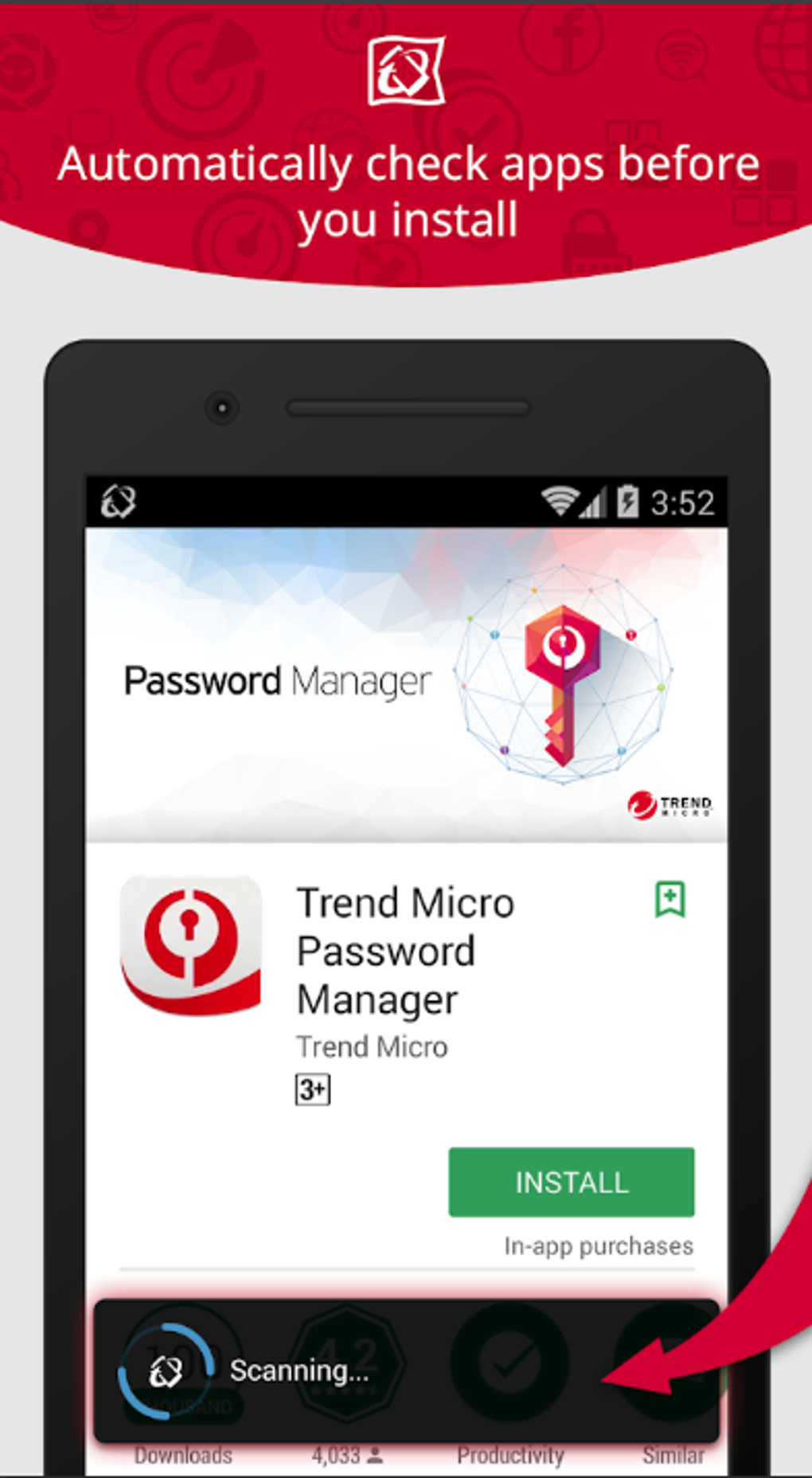
- Malware & Ransomware Protection – Detects and removes malicious apps and ransomware, preventing data encryption and system compromise.
- Identity Theft Prevention – Shields personal data by blocking fake billing apps and suspicious websites that attempt to steal credentials.
- Parental Controls – Enables filtering of apps and websites, helping parents manage children’s online activity and ensure a safer digital experience.
- Wi-Fi Security Scanner – Identifies unsecured networks and warns users about potential data interception risks during public browsing.
- Local VPN – Encrypts internet traffic to protect user privacy and prevent third-party monitoring during online sessions.
- Remote Device Management – Allows users to locate, lock, or remotely erase data from a lost or stolen device.
- Performance Booster Tools – Includes an app manager, system cleaner, and power management features to optimize device speed and battery life.
These capabilities support a wide range of real-world use cases, such as protecting sensitive financial data while using mobile banking, securing children’s devices from inappropriate content, or recovering lost phones through remote commands. The integration of security and performance tools in a single application streamlines device management for both personal and professional users.
User Interface, Workflow & Performance
The application features a streamlined interface designed for intuitive navigation across mobile platforms. Users can access core security functions—such as scanning, threat alerts, and remote controls—through a centralized dashboard. The layout prioritizes clarity, with clearly labeled sections and visual indicators for threat status and device health.
Workflow efficiency is enhanced by automated scanning and real-time monitoring, reducing the need for manual intervention. Tasks like app optimization and system cleaning can be initiated with a single tap, supporting quick maintenance routines. The software integrates seamlessly with device settings, minimizing disruptions during operation.
Performance details were not specified by the developer. However, based on general software behavior, the application operates in the background with minimal impact on system resources. The developer did not provide specific information on CPU or RAM usage. Stability is expected to be consistent, given the application’s focus on lightweight threat detection and management. No reports of crashes or freezes were mentioned in available documentation.
Compatibility & System Requirements
Mobile Security Antivirus is compatible with both Android and iOS operating systems. The software supports devices running the latest versions of these platforms, ensuring broad accessibility across modern smartphones and tablets. The installation size is 45.2 MB, indicating a lightweight footprint that should not significantly affect storage capacity.
Exact system requirements were not listed. Compatibility information was partially provided, with no details on minimum processor speed, RAM, or storage space beyond the installation size. The developer did not specify whether older versions of Android or iOS are supported. Users should verify device compatibility through official channels before installation.
Pros and Cons
Pros
- Comprehensive threat protection using AI-powered detection
- Real-time monitoring of links from messages and social media
- Robust remote device management for lost or stolen phones
- Integrated performance booster tools for better device speed
- Supports both Android and iOS platforms
- Includes parental controls and Wi-Fi security scanning
Cons
- Price of $1.99 may be considered high for a one-time purchase
- No information on automatic updates or update frequency
- Resource usage details not disclosed by the developer
- Compatibility with older devices not confirmed
- Limited transparency on data handling and privacy policies
FAQ Section
Is Mobile Security Antivirus available for both Android and iOS?
Yes, the application is designed for use on both Android and iOS devices, providing cross-platform protection for mobile users.
Can I use this app without an internet connection?
Basic features such as scanning and local protection can function offline. However, real-time threat updates and remote device management require an active internet connection.
Is the app safe to install on my mobile device?
As developed by Trend Micro, a reputable cybersecurity company, the app is designed to be secure. Users should download it only from official app stores to ensure authenticity.
Does the software include automatic updates?
The developer did not specify whether updates are automatic or manual. Users may need to check for updates manually through the app or app store.
What kind of license does Mobile Security Antivirus use?
The software is available for a one-time purchase of $1.99. The exact license type was not disclosed, but it is intended for personal use on a single device.
Final Thoughts
Mobile Security Antivirus delivers a strong combination of security and performance optimization in a single, well-structured application. Its AI-driven threat detection, remote management tools, and built-in performance booster make it a compelling choice for users seeking comprehensive mobile protection. The inclusion of parental controls and Wi-Fi security scanning adds value for families and privacy-conscious individuals.
While the one-time purchase price may deter some users, the breadth of features justifies the cost for those prioritizing device safety and longevity. The lack of detailed system requirements and transparency around data handling are minor drawbacks, but the application’s foundation in a trusted brand like Trend Micro provides confidence in its reliability.
For users who want a secure, efficient, and feature-rich mobile security solution, Mobile Security Antivirus stands out as a top contender. Download Mobile Security Antivirus now.





.png)

